/upscale - More resolution, more detail, less mush. Command 37 of 38, on Nano Banana Pro. https://www.minaxlab.com/ai-commands/upscale
AI command 37 of 38
/upscale
More resolution, more detail, less mush.
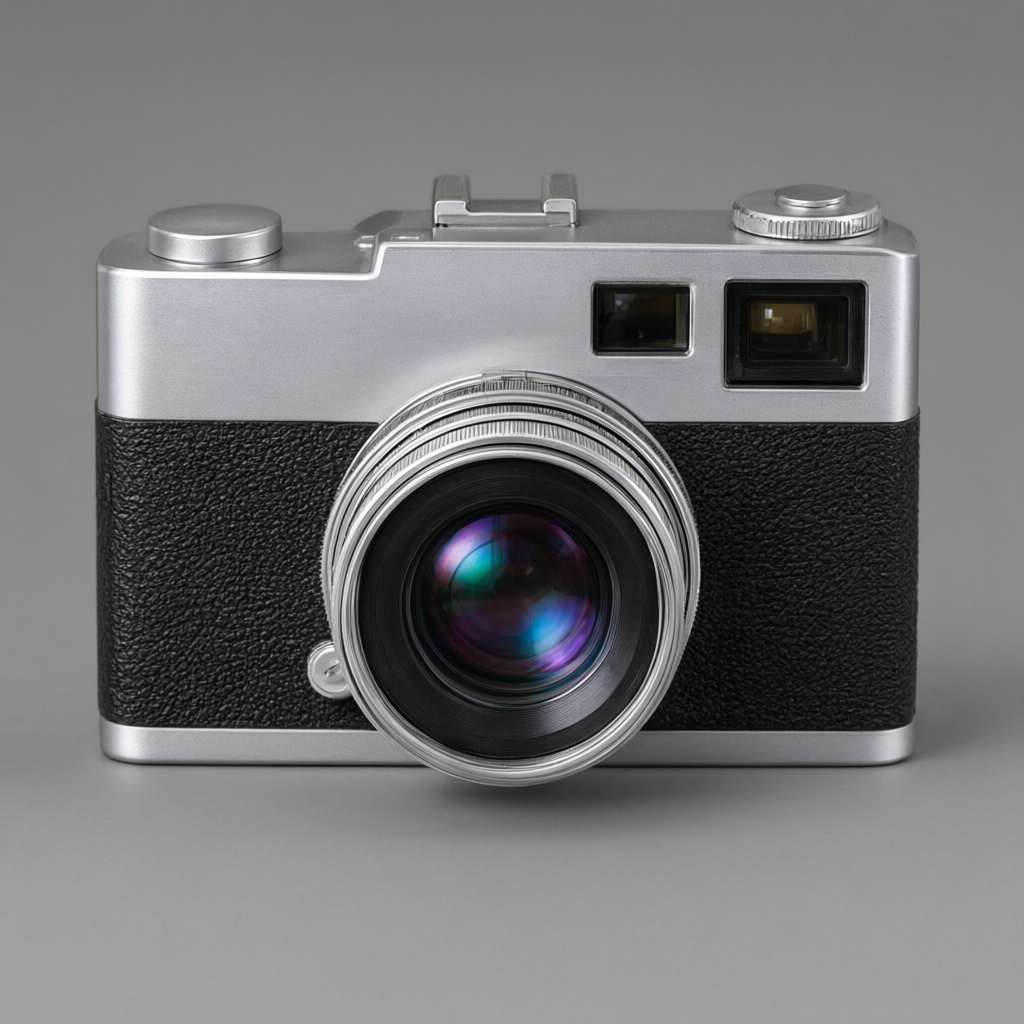
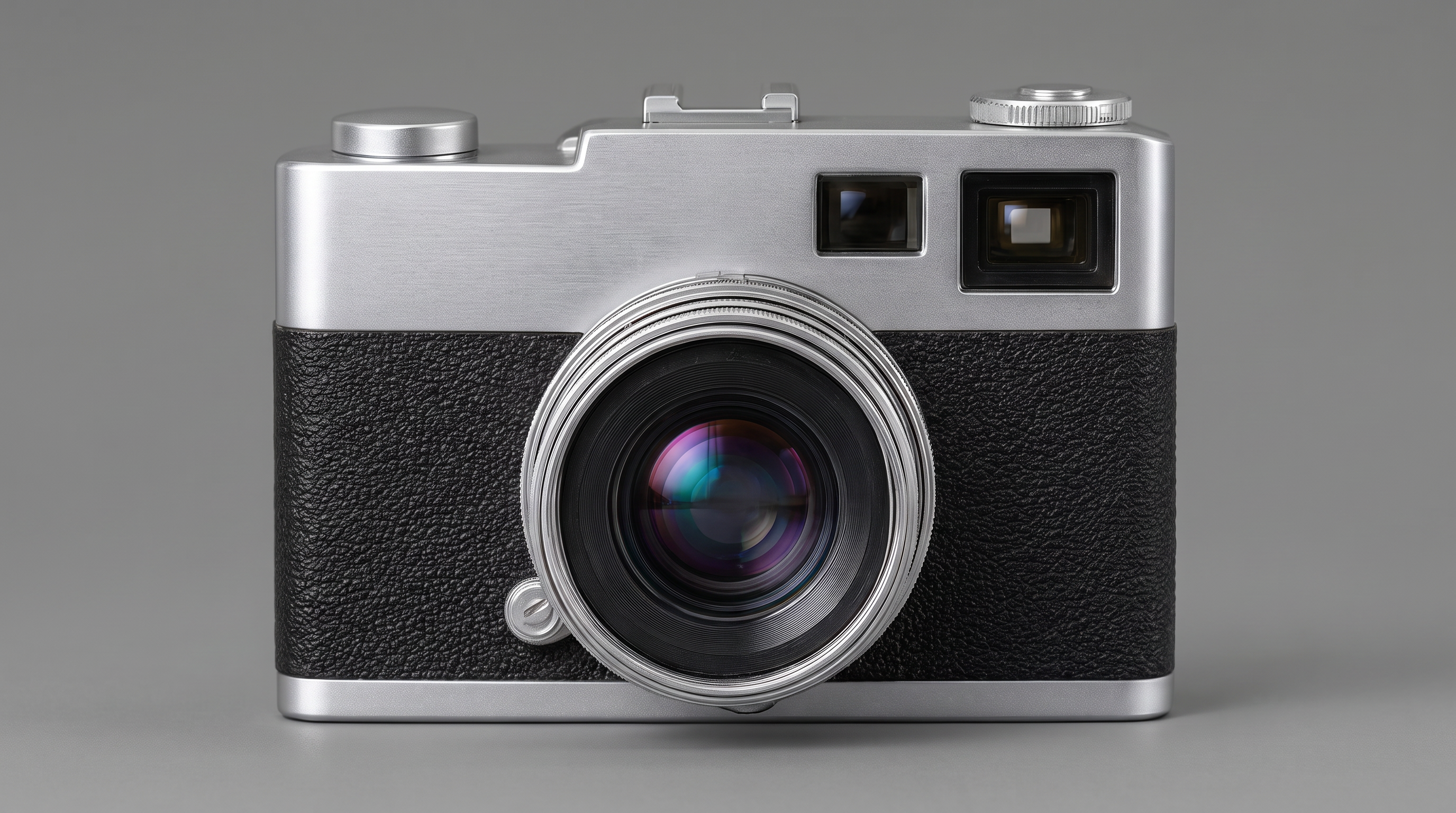
What we posted
How to do it
- 1Open Image StudioGo to minaxlab.com and open the Image Studio. No install, nothing to download.
- 2Choose Nano Banana ProPick the model from the picker at the top. Every model reads the command differently, which is half the fun.
- 3Upload your photoDrop in any photo you own. This example uses a vintage rangefinder camera.
- 4Type /upscaleThat is the entire prompt. One word does the work of a paragraph.
What it actually asks the model
Typing /upscale expands to this, so you do not have to write it:
Increase resolution and detail: fine texture and edge detail resolved, noise and compression artefacts removed, sharpness true rather than haloed.
All 38 commands
/xray/explodedview/cutaway/crosssection/blueprint/schematic/wireframe/assembly/disassembly/layers/inside/mechanism/materials/dimensions/orthographic/isometric/turnaround/macro/detail/texture/3d/render/productshot/studio/cinematic/luxury/advertising/catalog/floating/hologram/scanner/thermal/nightvision/forensics/restoration/cleanup/upscale/reconstruct